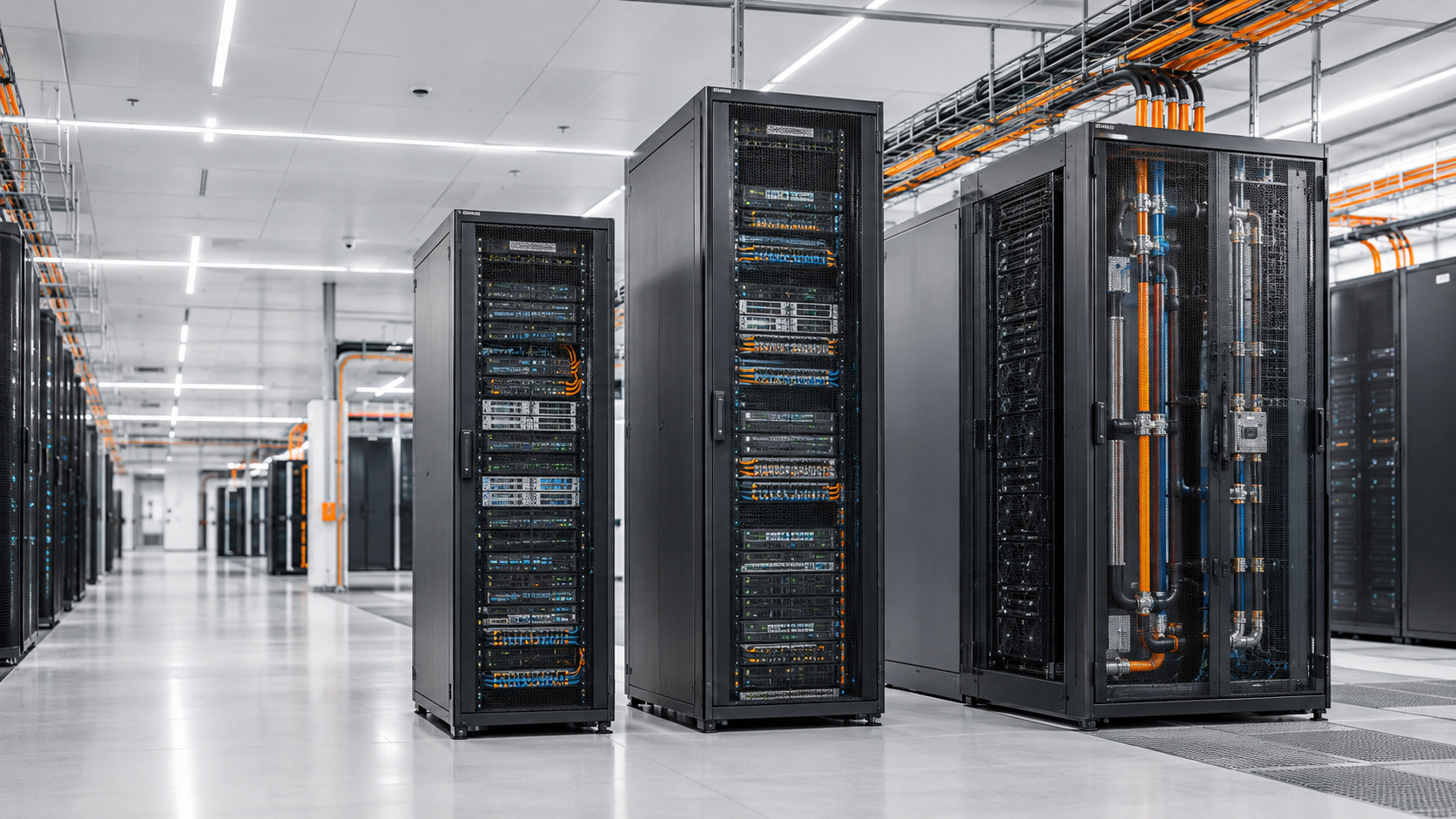
Data centres are under increasing pressure to support higher computing densities, AI workloads, accelerated computing, and demanding power requirements. Traditional room-level cooling systems that once supported relatively uniform rack loads may struggle when a small number of racks generate significantly more heat than the surrounding IT infrastructure.
However, upgrading an operational data centre is not as simple as replacing its cooling system. Existing servers must remain available, critical workloads cannot be disrupted, and infrastructure investments must support future growth.
A rack-by-rack data centre cooling retrofit provides a practical alternative. Instead of replacing the entire cooling architecture at once, operators can prioritise high-density racks, validate a pilot installation, establish suitable Coolant Distribution Unit (CDU) capacity, and expand cooling in controlled phases.
Solutions such as Rear Door Heat Exchangers (RDHx), in-rack CDUs, and direct-to-chip liquid cooling can help facilities accommodate evolving thermal requirements while retaining useful existing infrastructure.
The objective is straightforward: improve cooling where it is needed today while preparing the facility for tomorrow's computing demands.
The first step in a data centre cooling retrofit is understanding where heat is being generated, how it is distributed, and whether existing cooling can remove it effectively.
A room-wide average temperature is not enough to identify every cooling problem. Two adjacent racks may have very different power consumption, airflow patterns, and thermal requirements.
Rack power density: Record actual power consumption and identify racks approaching their electrical or thermal limits.
Inlet and outlet temperatures: Measure temperatures at multiple rack heights to identify hot spots and recirculation.
Airflow performance: Check blanking panels, containment, cable obstructions, and hot- and cold-aisle separation.
Cooling headroom: Assess available capacity in CRAC/CRAH systems, chilled-water distribution, pumps, and heat rejection equipment.
Workload growth: Identify racks scheduled for GPU servers, high-performance computing, or other power-intensive equipment.
Not every rack needs a liquid cooling retrofit. A phased approach should focus first on racks where thermal constraints are already affecting performance or preventing planned deployment.
For example, consider a facility with 100 racks. Most operate at moderate densities, but 10 racks are being prepared for GPU-based workloads. Retrofitting these 10 racks first may be more practical than upgrading cooling across the entire room.
The actual selection should be based on measured power, thermal performance, equipment compatibility, and projected workload growth—not rack count alone.
This targeted assessment creates a defensible retrofit plan and reduces unnecessary capital expenditure.
Once priority racks are identified, the next step is matching the cooling technology to the heat load and the existing facility design.
An RDHx replaces or supplements a conventional rack's rear door with a heat exchanger that removes heat from server exhaust air. Depending on the design, it can reject heat using facility water or a dedicated coolant circuit.
RDHx systems are particularly useful when operators want to increase rack cooling capacity without immediately redesigning the entire data hall.
Best suited for: Existing server environments, selected high-density racks, and facilities seeking a targeted cooling upgrade.
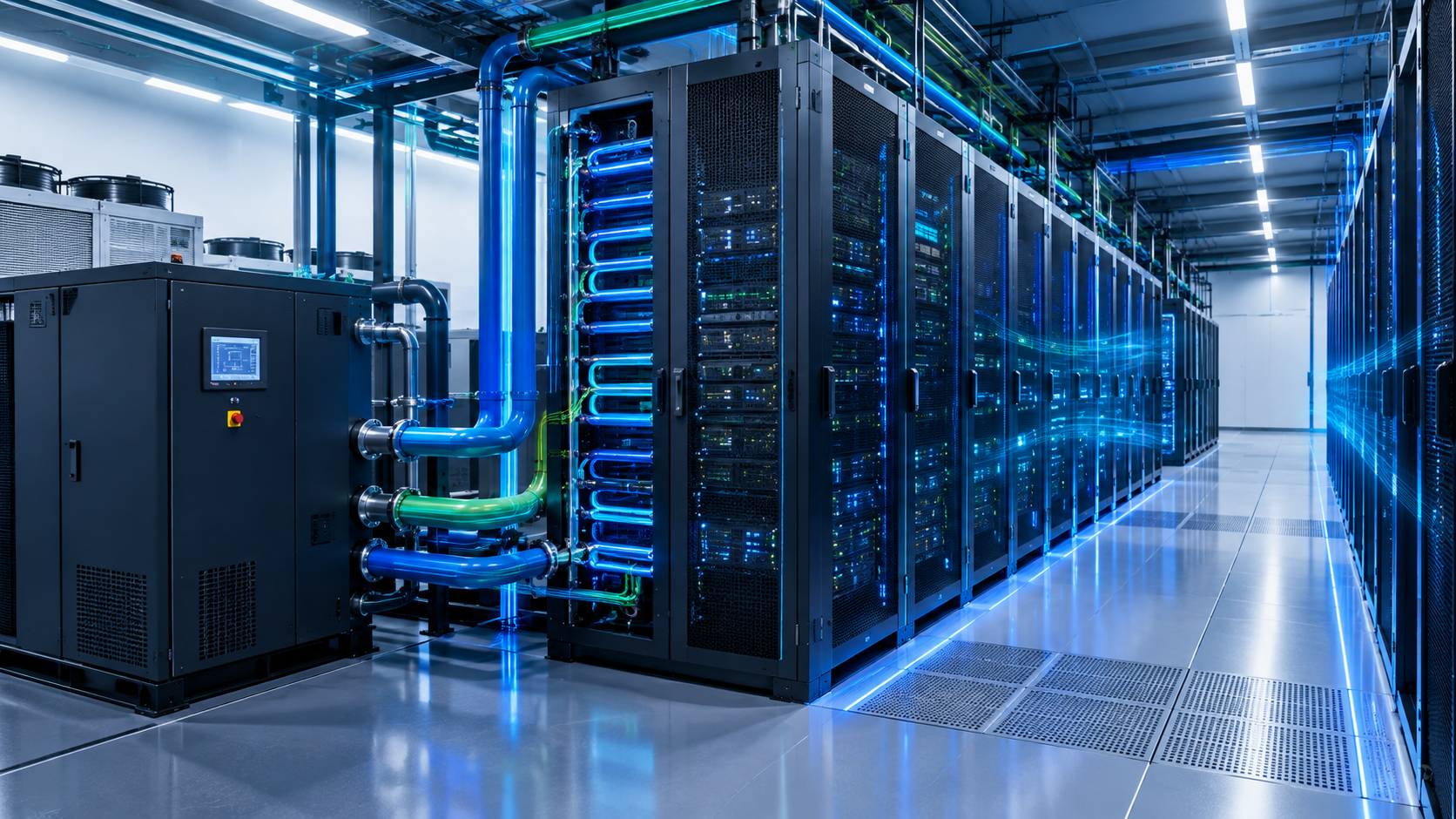
A CDU manages coolant circulation and heat transfer between IT equipment and the facility cooling system. Depending on its design, it may provide pumping, heat exchange, filtration, monitoring, and control functions.
CDUs are especially relevant to direct-to-chip liquid cooling, where coolant removes heat from processors and other supported components.
Best suited for: GPU clusters, AI infrastructure, high-performance computing, and liquid-cooled server deployments.
Direct-to-chip systems circulate coolant through cold plates attached to heat-generating components. They can remove a substantial portion of component heat directly, reducing reliance on air cooling for those components.
However, servers, manifolds, coolant distribution, facility water systems, and operational procedures must all be compatible.
In many facilities, liquid cooling and air cooling will coexist. Memory, networking equipment, storage, and other components may still require airflow-based cooling even when processors use liquid cooling.
The right strategy may therefore combine RDHx, CDUs, direct-to-chip cooling, and existing room cooling rather than forcing every rack into one technology.
A pilot installation is the bridge between engineering assumptions and actual operating performance. It helps verify that the proposed solution works with the facility's servers, cooling infrastructure, maintenance procedures, and operating conditions.
Choose a representative rack that reflects the intended workload and installation constraints. Where possible, use a rack that can be tested without exposing critical production services to unacceptable risk.
Step 1: Establish a baseline. Record rack power, inlet and outlet temperatures, fan behaviour, cooling-system performance, and relevant environmental conditions before installation.
Step 2: Confirm integration requirements. Verify clearances, piping routes, electrical supply, leak detection, controls, water quality, and compatibility with existing monitoring systems.
Step 3: Commission under controlled conditions. Check coolant flow, pressure, temperature, alarms, control sequences, and fail-safe behaviour. Validate the installation against equipment and project specifications.
Step 4: Test representative workloads. Observe performance during normal operation and suitable higher-load conditions. Confirm that temperatures remain within equipment limits and that no unexpected hot spots develop.
Step 5: Document the results. Compare pre- and post-retrofit performance, record commissioning issues, and establish maintenance and emergency-response procedures.
Microsoft has publicly discussed liquid cooling as part of its infrastructure development for increasingly demanding AI workloads. NVIDIA's accelerated computing platforms and liquid-cooled data centre systems also illustrate the importance of designing cooling around higher-density computing.
These industry developments demonstrate why thermal infrastructure must evolve alongside server technology. They do not mean every existing facility needs the same cooling architecture. A pilot helps determine which approach is appropriate for a particular site.
A successful pilot should produce a repeatable installation standard, not simply demonstrate that one rack can be cooled.
CDU sizing is one of the most important decisions in a liquid cooling retrofit. Selecting a unit solely for the pilot rack may create an expansion bottleneck, while installing excessive capacity too early can increase upfront costs and leave infrastructure underutilised.
Start by estimating the total thermal load of the planned liquid-cooled racks. Consider present demand, the expected rollout schedule, coolant supply temperatures, required flow rates, heat exchanger performance, and the facility's operating conditions.
For example, if a planned deployment adds 10 racks with an average liquid-side heat load of 30 kW per rack, the estimated combined load is 300 kW. This is an illustrative planning figure, not a final CDU specification. Actual selection must account for design conditions, system losses, manufacturer ratings, redundancy requirements, and the proportion of heat handled by liquid versus air cooling.
A scalable CDU strategy should consider:
Modular capacity: Allow additional capacity to be introduced as new racks are deployed.
Redundancy: Assess N+1 or other appropriate arrangements according to availability requirements and failure scenarios.
Hydraulic compatibility: Verify pressure drop, flow distribution, piping dimensions, and coolant requirements.
Monitoring: Integrate temperature, pressure, flow, and alarm data into facility monitoring systems.
Maintenance access: Provide isolation arrangements and service clearances without obstructing live IT operations.
The goal is to avoid sizing the entire cooling infrastructure around today's smallest requirement—or tomorrow's uncertain maximum—without a credible expansion plan.
A phased cooling retrofit should follow the data centre's actual deployment roadmap. Each phase should deliver measurable capacity while preserving a clear path to the next stage.
| Phase | Main Activity | Desired Outcome |
|---|---|---|
| Phase 1 | Assess racks and pilot RDHx or liquid cooling | Validate technical suitability |
| Phase 2 | Install initial CDU and supporting distribution | Support priority high-density racks |
| Phase 3 | Add racks and expand modular capacity | Accommodate planned workload growth |
| Phase 4 | Optimise controls and reassess the facility | Improve efficiency and prepare for future demand |
Piping routes, electrical connections, floor loading, service clearances, monitoring, and isolation points should be planned for the eventual layout—not just the first installation.
This is particularly important in facilities that must maintain continuous operations. Retrofit work should be coordinated with IT deployment windows, commissioning plans, and approved change-management procedures.
For example, a data centre preparing for an AI cluster might initially deploy a small group of liquid-cooled racks, expand after validating operational performance, and retain air cooling for existing general-purpose servers. The precise sequence depends on the facility's architecture and workload roadmap.
A retrofit is successful only when it delivers reliable thermal performance and supports the business case.
Track rack inlet temperatures, component temperatures where available, coolant supply and return temperatures, flow rates, cooling energy, alarms, and system availability. Compare results under similar workload and environmental conditions.
Power Usage Effectiveness (PUE) can help assess overall facility energy performance, but it should not be the only metric. Changes in IT load, weather, and utilisation can influence PUE, while a rack-level improvement may not translate directly into a whole-facility improvement.
Also measure installation time, maintenance access, expansion lead time, and the cost of adding each subsequent rack. These indicators reveal whether the retrofit strategy is genuinely scalable.
A rack-by-rack data centre cooling retrofit gives operators a structured way to address thermal bottlenecks while protecting existing investments. By prioritising high-risk racks, validating a pilot, planning CDU capacity, and expanding in phases, facilities can prepare for AI and high-performance computing without automatically replacing every part of their cooling infrastructure.
The most effective strategy combines sound thermal engineering, modular design, reliable monitoring, and a realistic growth plan.
Brick & Byte supports data centre infrastructure through rack systems, RDHx and CDU-focused cooling solutions, and integrated electrical and power infrastructure. A coordinated approach can help operators plan upgrades around present requirements while preparing for future density.
Planning a Data Centre Cooling Upgrade?
Contact Brick & Byte to discuss your infrastructure requirements.
Email: [email protected]
Website: https://brickandbyte.in/
1. What is a rack-by-rack cooling retrofit?
It is a phased upgrade that improves cooling for selected racks instead of replacing the entire data centre cooling system at once.
2. When should a data centre consider RDHx?
RDHx is worth evaluating when rack exhaust heat is becoming difficult to manage using existing room cooling and a targeted retrofit is preferred.
3. What does a CDU do in a data centre?
A Coolant Distribution Unit circulates and manages coolant between liquid-cooled IT equipment and the facility cooling system.
4. How is CDU capacity calculated?
Capacity is based on the expected thermal load, coolant temperatures, flow requirements, heat exchanger performance, redundancy, and future expansion plans.
5. Can liquid cooling work alongside air cooling?
Yes. Hybrid cooling is common in facilities where liquid cooling serves high-density components or racks while air cooling supports other IT equipment.